

How do I receive AI suggestions from the papers in my references?
Paperguide integrates your stored references into the writing process, enabling AI-powered suggestions based on the papers in your Reference Manager.
This feature helps you seamlessly incorporate relevant research, arguments, and citations from your references into your writing.
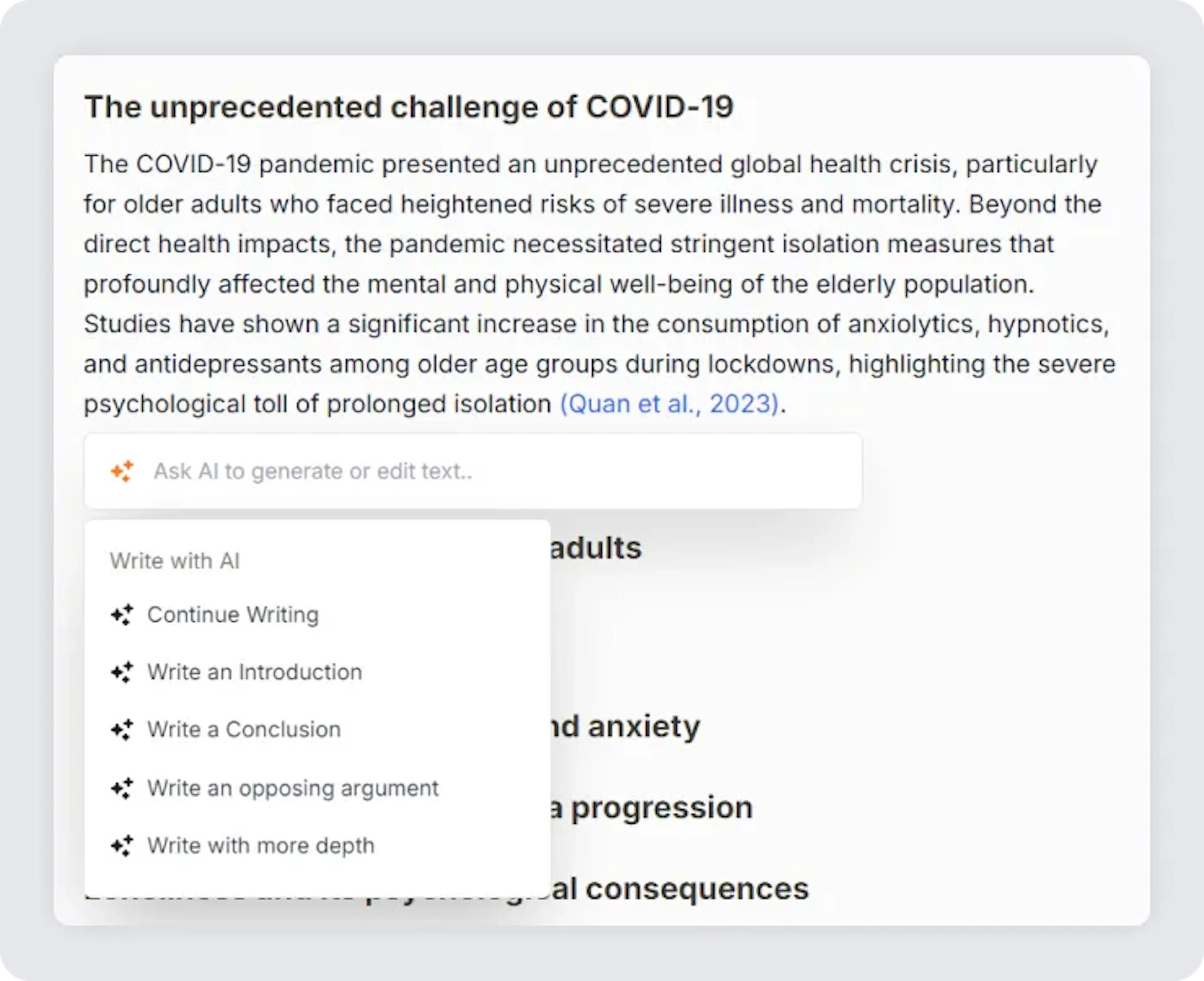
Here’s how you can receive suggestions from the papers in your references while writing:
-
Ensure Your References Are Uploaded:
- Before you begin, make sure that all relevant research papers are uploaded to your reference manager. Paperguide will use these papers to generate contextually relevant suggestions.
-
Provide a Clear Title or Prompt:
- When you create or edit a document, ensure the title or prompt is clear and specific. The AI uses this information to understand the context of your writing and suggest content based on the papers in your reference library.
-
Use AI Commands for Suggestions:
- While writing, use the Ask AI feature by clicking it on the options bar at the bottom or pressing Ctrl+J to access the AI commands.
-
Receive Contextual Suggestions:
- As you select any of the AI writing commands, Paperguide will automatically pull relevant content, data, or arguments from the papers stored in your Reference Manager.
Was this page helpful?
Last updated Dec 3, 2025
Built with Documentation.AI