

How do I create a new literature review workbook?
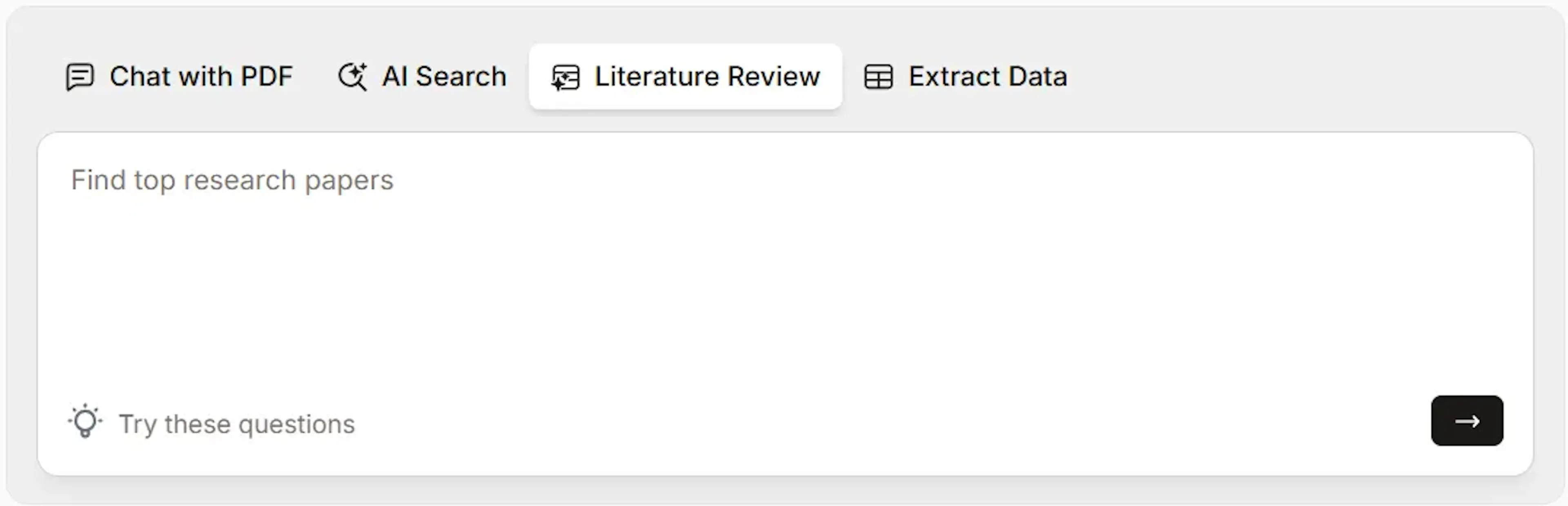
Paperguide's Literature Review feature helps you efficiently gather, analyze, and organize key findings from relevant academic papers. Here’s how to create a literature review workbook:
-
Access the Literature Review Tab:
- From the Paperguide homepage, go to the Literature Review tab.
-
Enter Your Research Question:
- Type a detailed question or topic in the search bar (e.g., “What are the recent advancements in AI healthcare applications?”). Specific questions yield more precise results.
-
Analyzing Papers:
- Paperguide searches through Paperguide's extensive research database of 200 million+ academic papers.
-
Review the Results:
- Paperguide will retrieve the 8 most relevant papers (or 5 for non-subscribers), generate a summary of insights, and create a Literature Review Table for easy comparison of papers, covering details like findings, methodologies, and conclusions.
This workbook is automatically saved and accessible in the My Workbooks menu for future reference.
Was this page helpful?
Last updated Dec 3, 2025
Built with Documentation.AI