

How do I edit my document prompt or citation style?
You can edit your prompt and citation style at any time in your writer document settings.
-
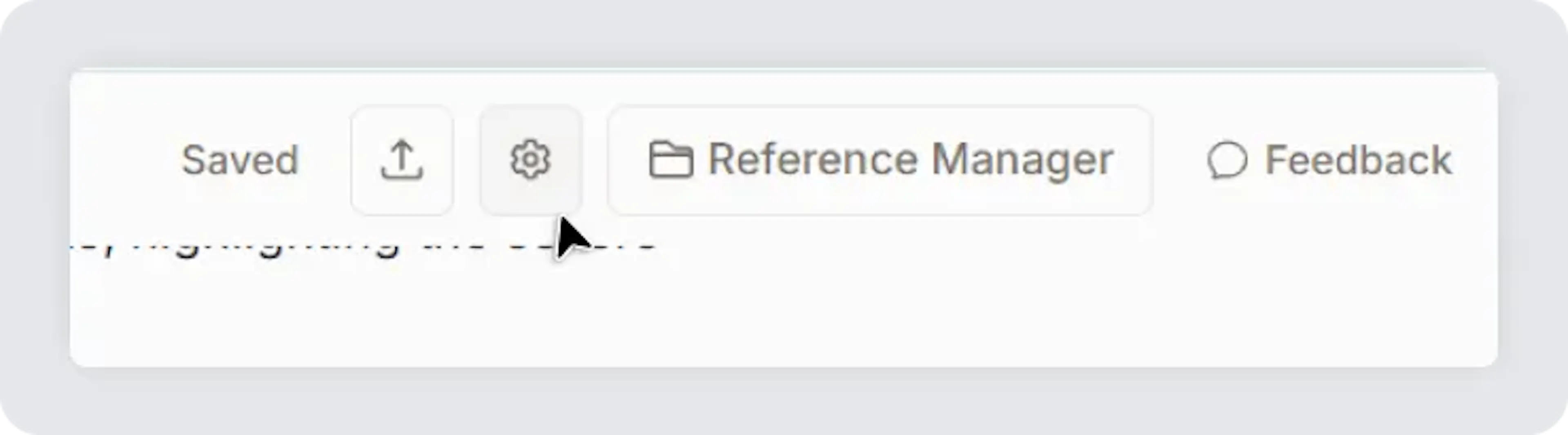
To edit document settings or prompt, select the "Gear" icon in the top right side of the Writer screen.
-
From here, you can edit/update your document prompt and get suggetions based on updated prompts.
-
Below document prompt, you can access writer document citation style. You can update it anytime and all your citations in your writer document automatically update according to the citation style selected.
Was this page helpful?
Last updated Dec 3, 2025
Built with Documentation.AI